01
Fast lookup
Root notes, tensions, bass notes, and chord shapes stay in one flow.
 Music apps to take your playing further.
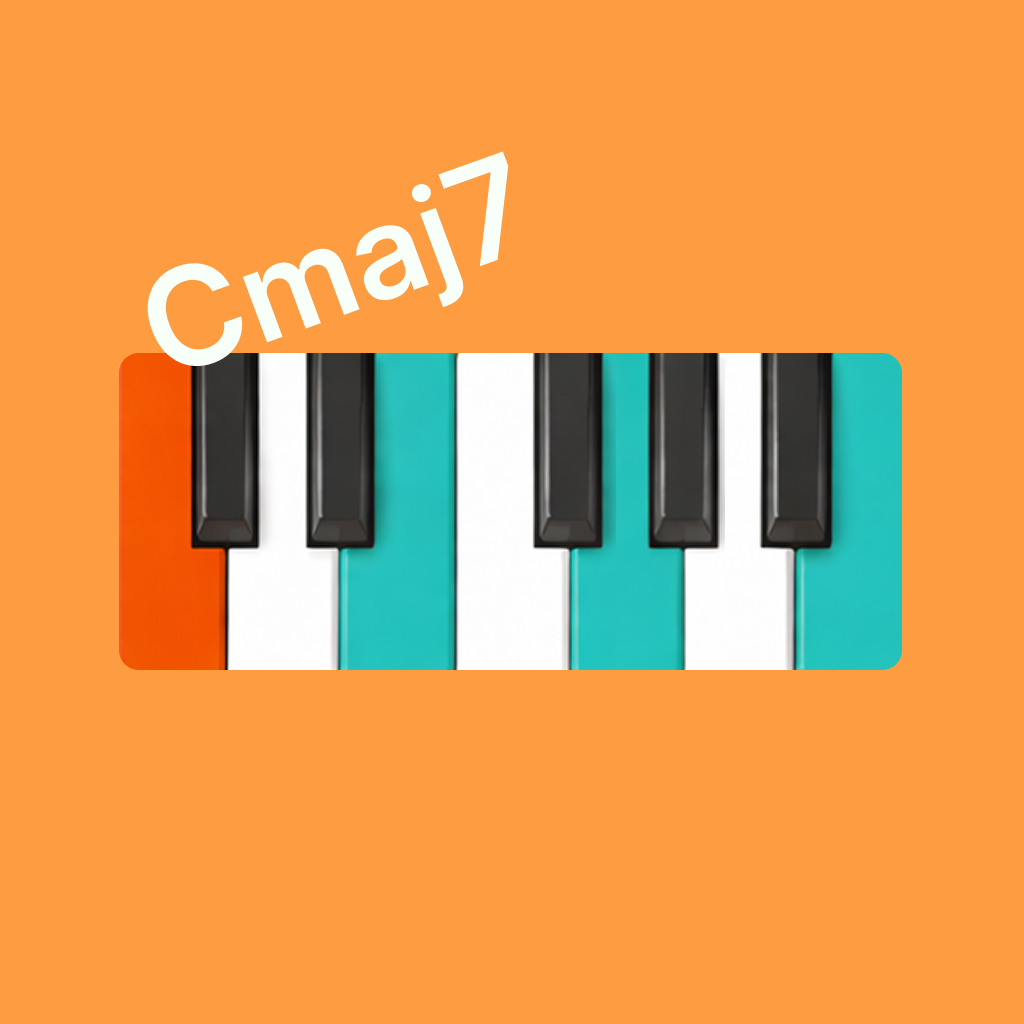 Show Me Chord
Piano Chords
Show Me Chord
Piano Chords
Find piano chords in seconds, see keyboard chord shapes clearly, try voicings and inversions, hear the result, and save the chords you keep coming back to.


Core value
Root notes, tensions, bass notes, and chord shapes stay in one flow.
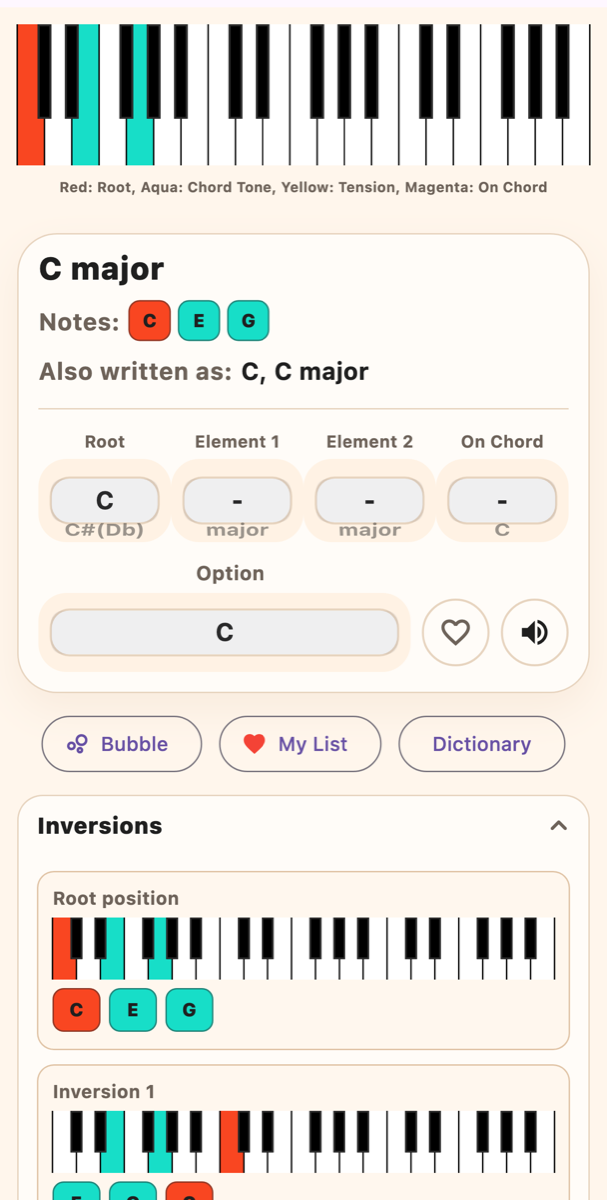
Keyboard visuals make voicings, inversions, and chord tones easier to read.
Browse chord families and variations without turning practice into a search session.
Save useful chords to My List and keep them close beside scores and sheet music.
Practice with scores
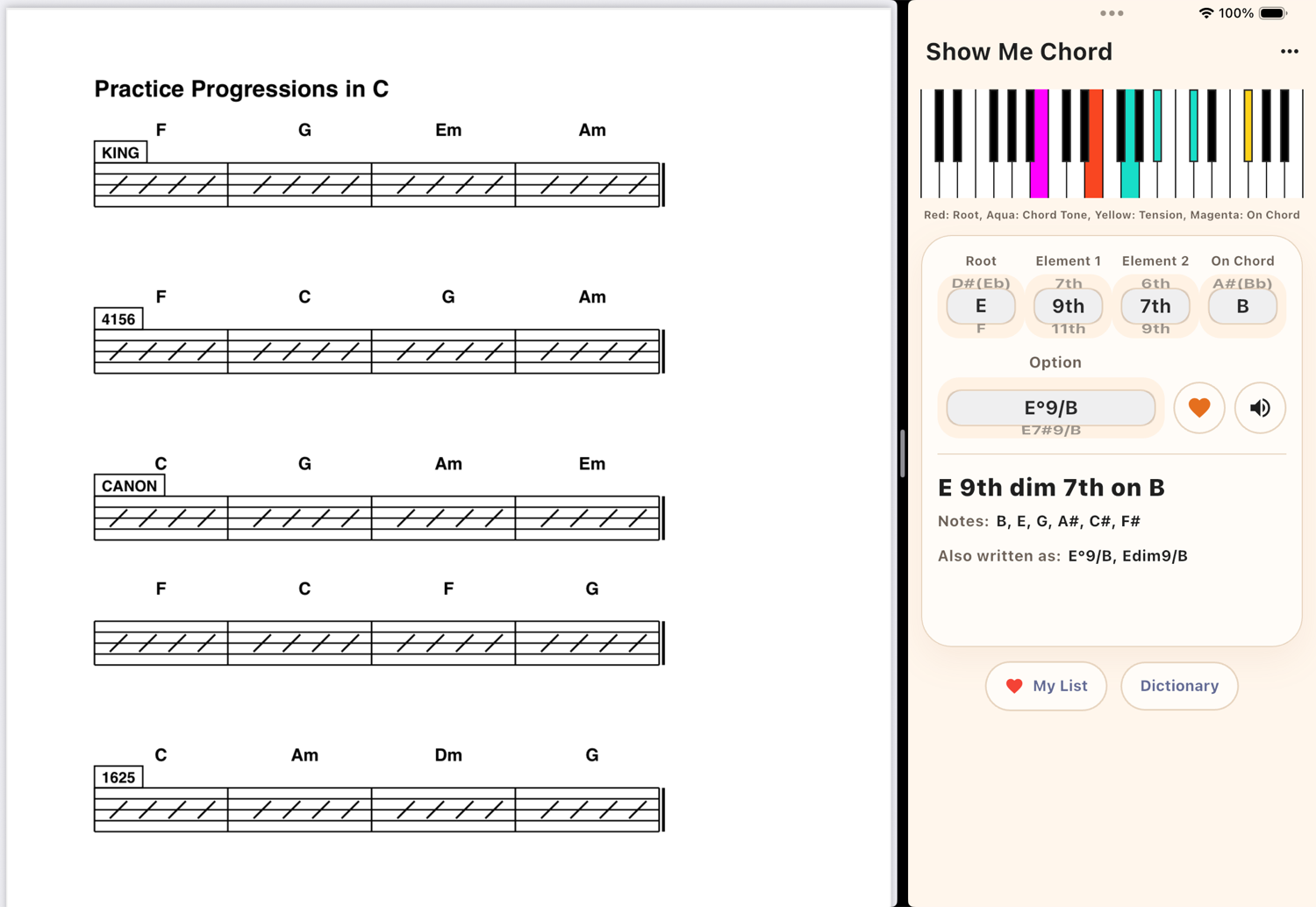
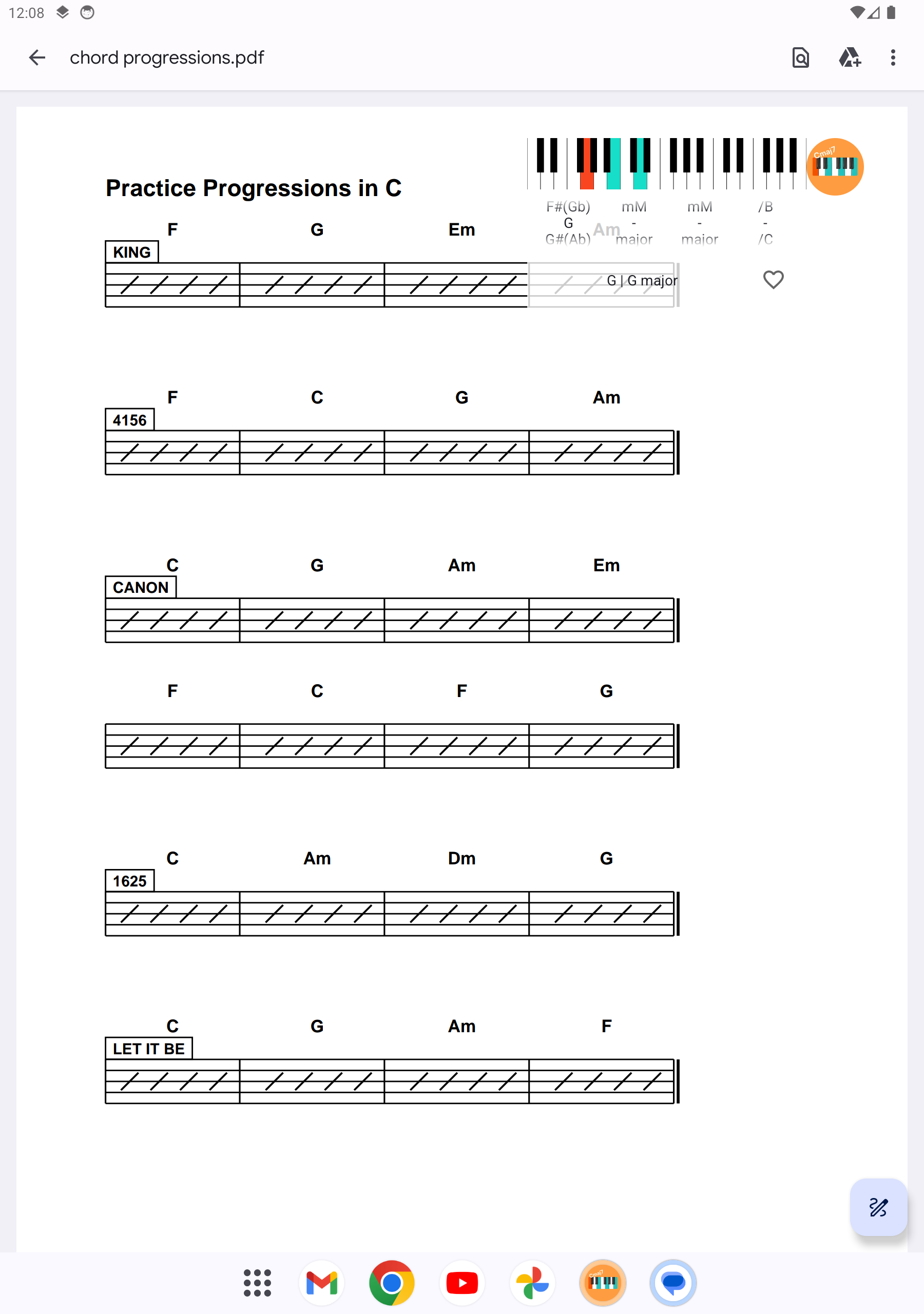
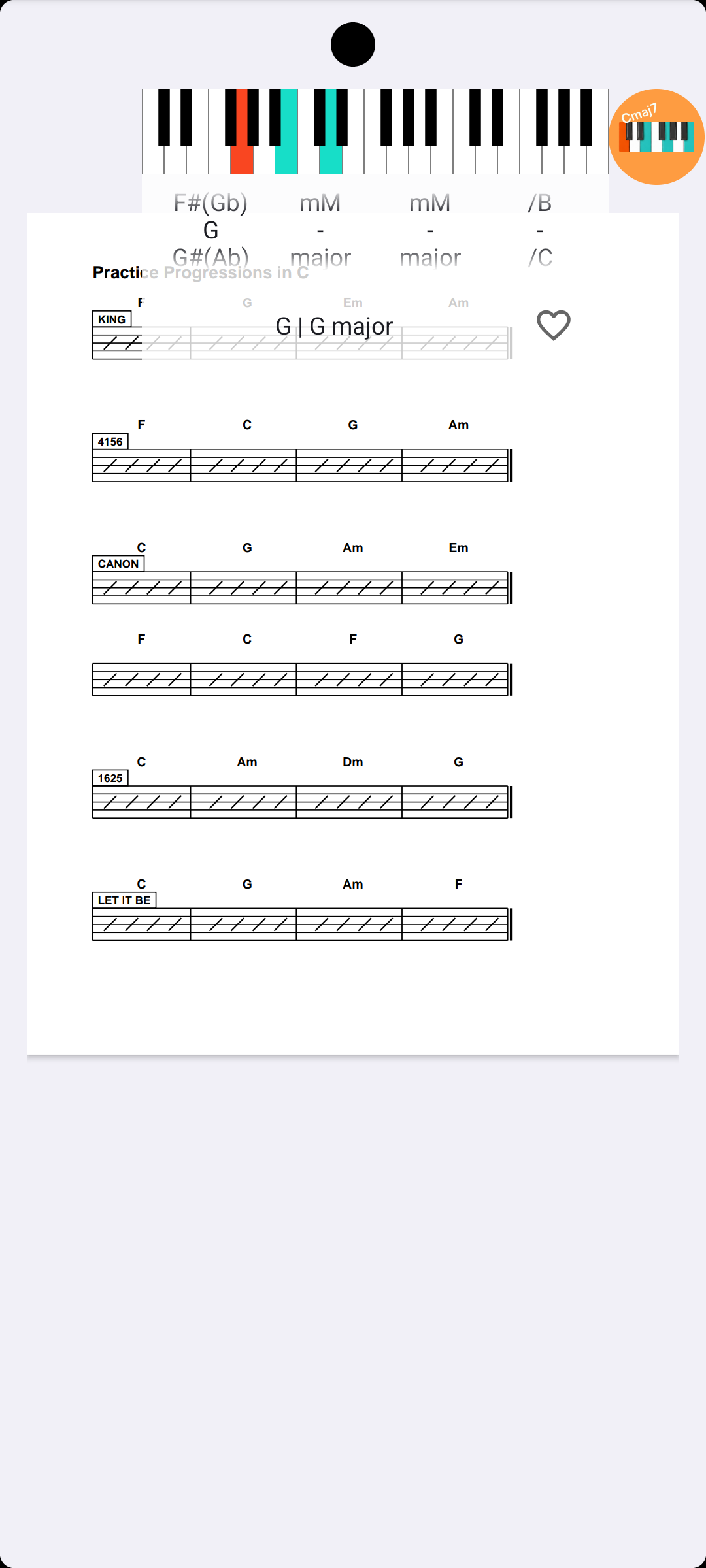
Keep Show Me Chord close to your score, chart, PDF, or sheet music so you can check chord shapes, hear the sound, and return to playing with Split View, Slide Over, or Bubble overlay
Keep chord lookup beside your score with Split View or Slide Over
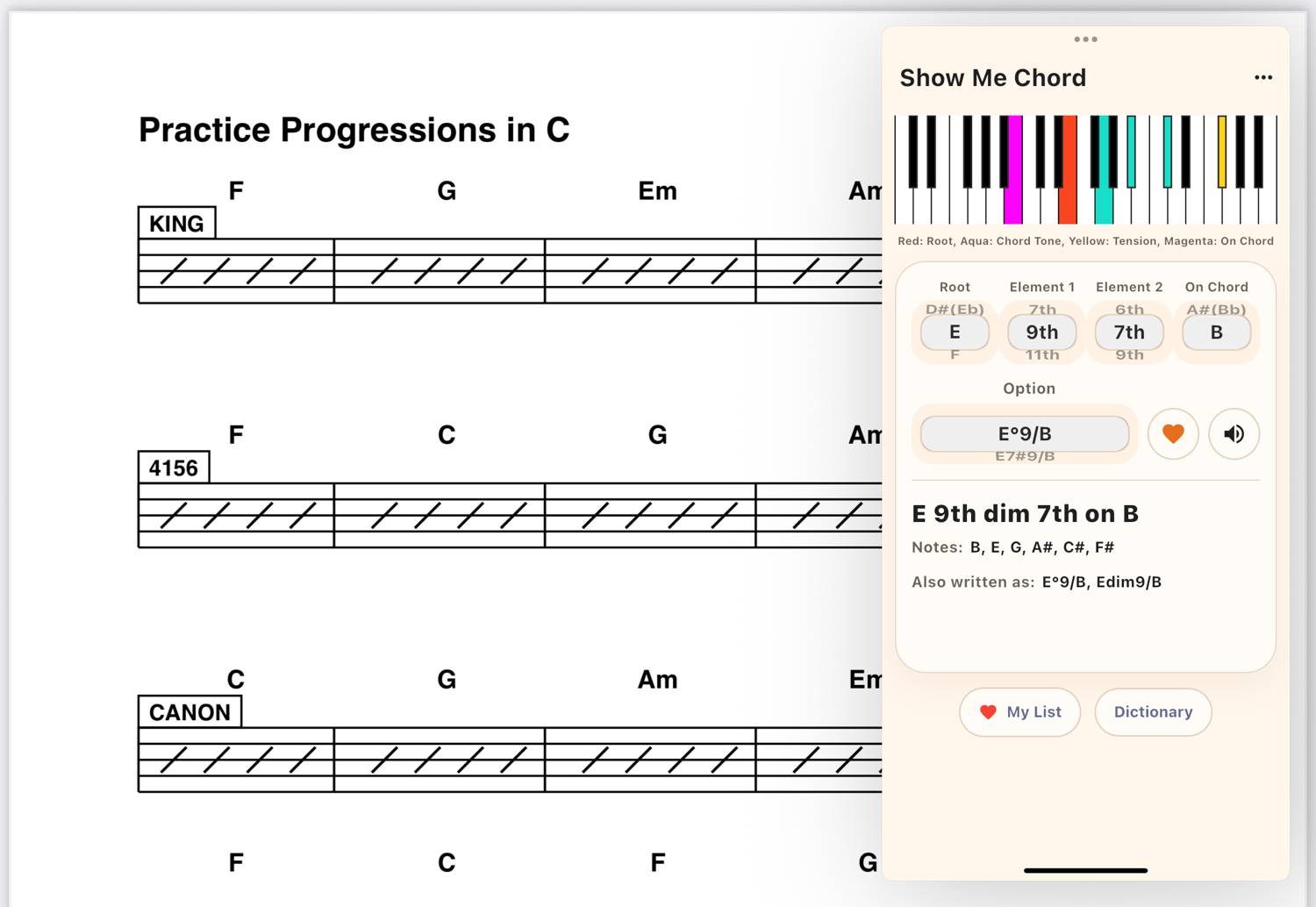
Open Bubble overlay above your score when you need quick chord help
Dictionary and My List
Browse chord families, compare shapes, and save the voicings that matter to your own repertoire
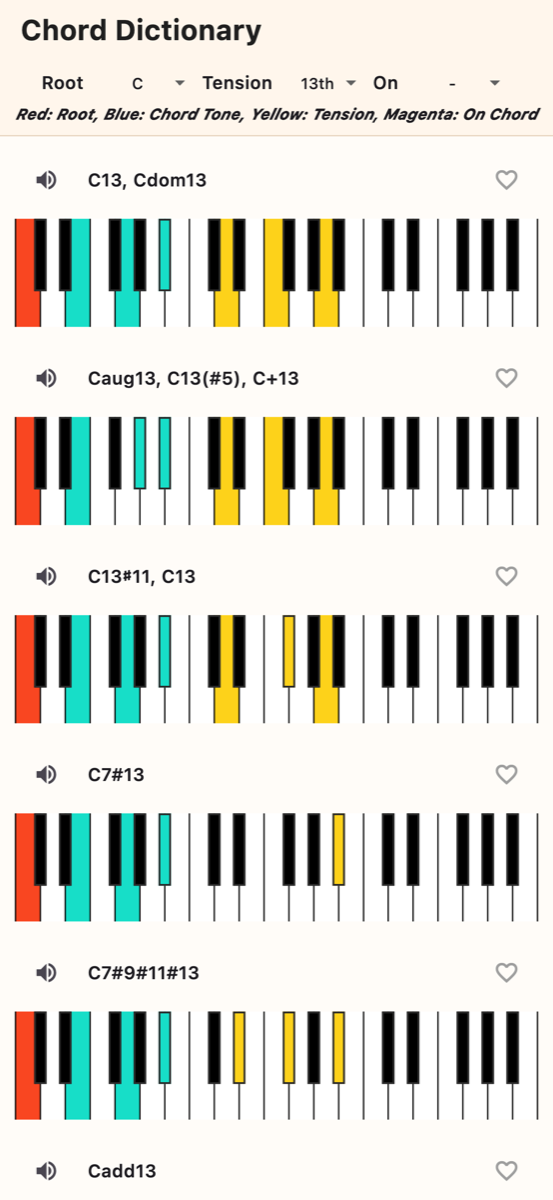
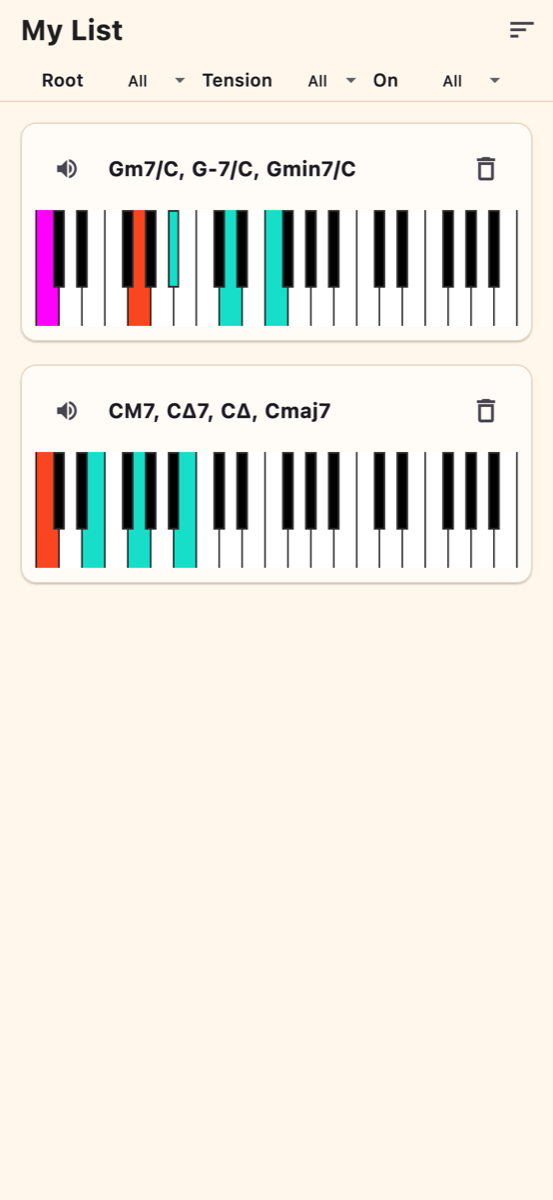
Use it as a piano chord finder, chord chart, and chord dictionary for practice, theory reference, and sheet music sessions.